


How to Isolate Lead Vocals From a Song
Isolating lead vocals from a song is harder than it sounds. Most approaches, like phase inversion, strip everything from the center channel at once, taking instruments down with the vocals, and none of them can distinguish the lead vocal from the backing harmonies sitting behind it. LALAL.AI Lead & Back Vocal Splitter handles it with AI-based audio separation, giving you the lead vocal, backing vocals, and instrumental as independent files.
What “Lead” and “Back” Mean Here
Before running a file through the splitter, it helps to know what each stem actually contains.
- Lead Vocal carries the primary vocal line of the song, typically the main artist or featured singer. If a track has multiple lead singers at once, all of them land in this stem.
- Back Vocal contains harmonies, doubles, ad-libs, and background layers that sit behind the lead. If a song has no backing vocals, this stem will be empty.
- Instrumental is all instrumentation, free of any vocal content. Also available as a combined Back Vocal + Instrumental stem, handy for karaoke use.
The splitter works best on songs with a clear vocal arrangement, where the lead sits up front and backing parts are distinctly behind it. Tracks built around synthesized vocal sounds, or songs where multiple singers are mixed at the same level with no real lead, tend to produce less distinct separation.
How to Isolate Lead Vocals: Step by Step
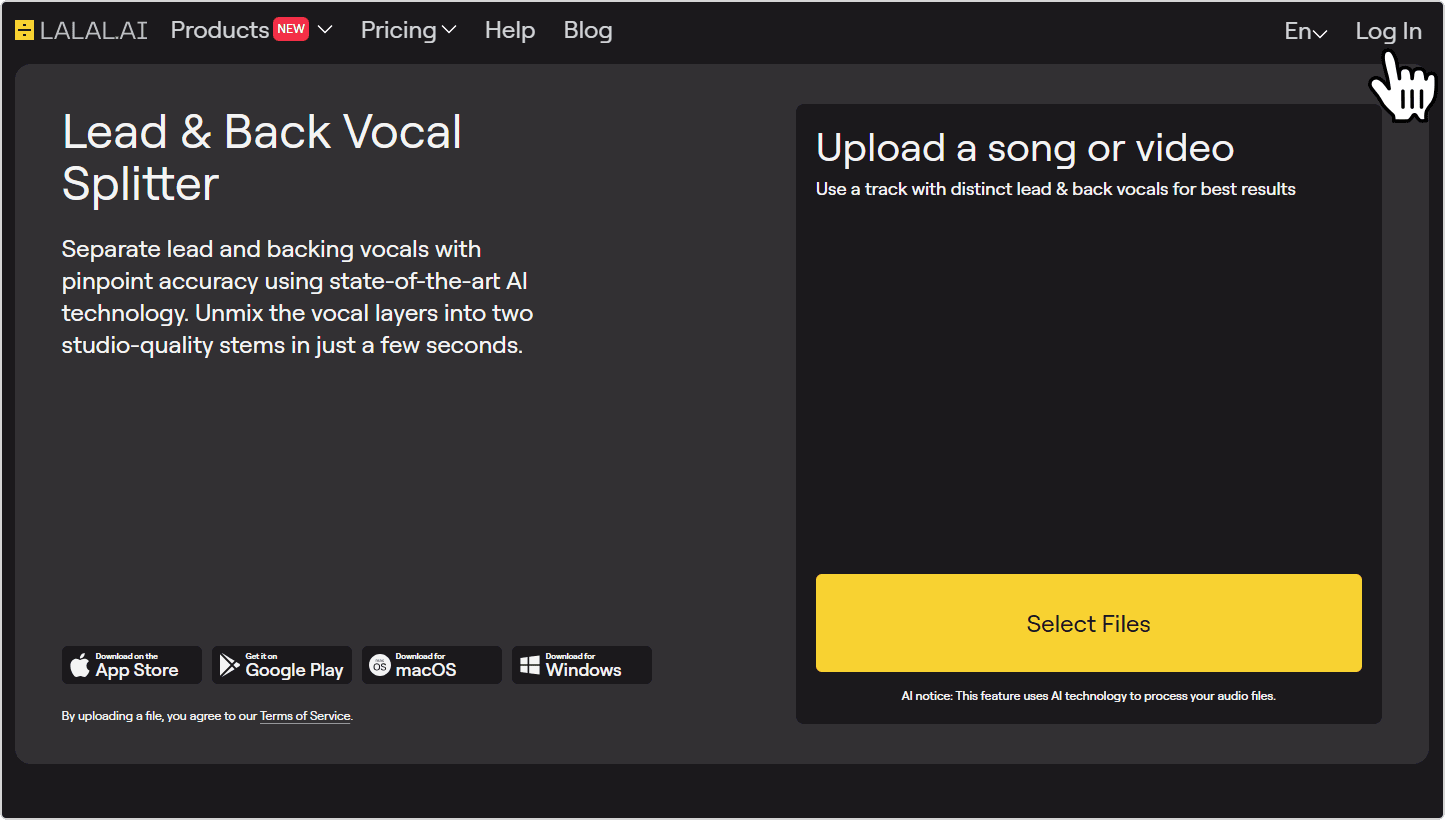
- Open the splitter and sign in. Go to the LALAL.AI Lead & Back Vocal Splitter page. Log in or create an account if you don’t have one yet.
![LALAL.AI Lead & Back Vocal Splitter page]()
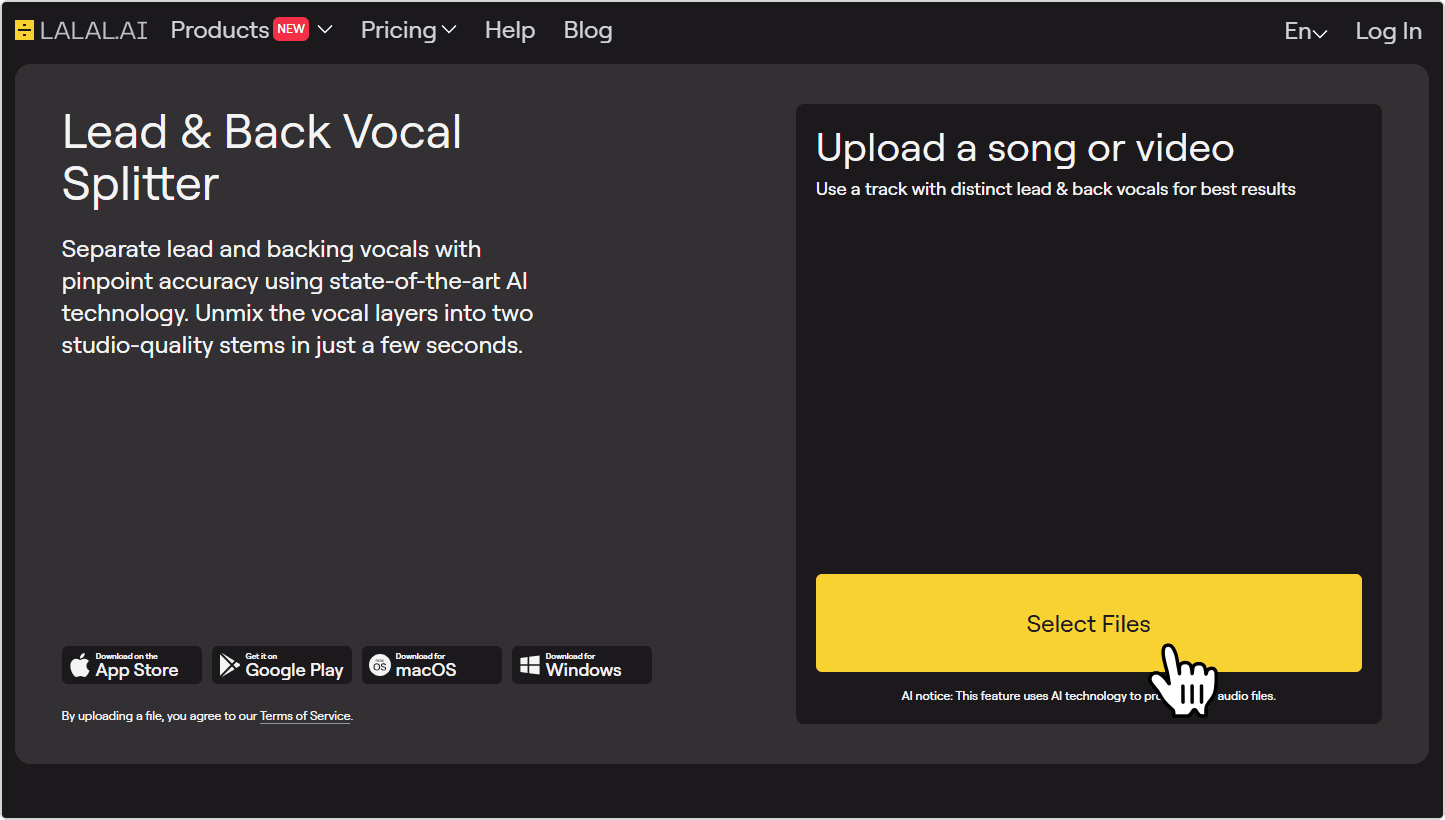
- Upload your audio or video file. Click Select Files to upload your track, or drag and drop it directly into the upload area. The splitter accepts most common audio formats (MP3, WAV, FLAC, AIFF, OGG, AAC, M4A) and video formats (MP4, MKV, MOV, AVI).
![Upload an audio or video file to the splitter]()
File quality matters. A lossless WAV or FLAC will produce cleaner stems than a compressed MP3. If you have a higher-quality version of the file, use it instead.
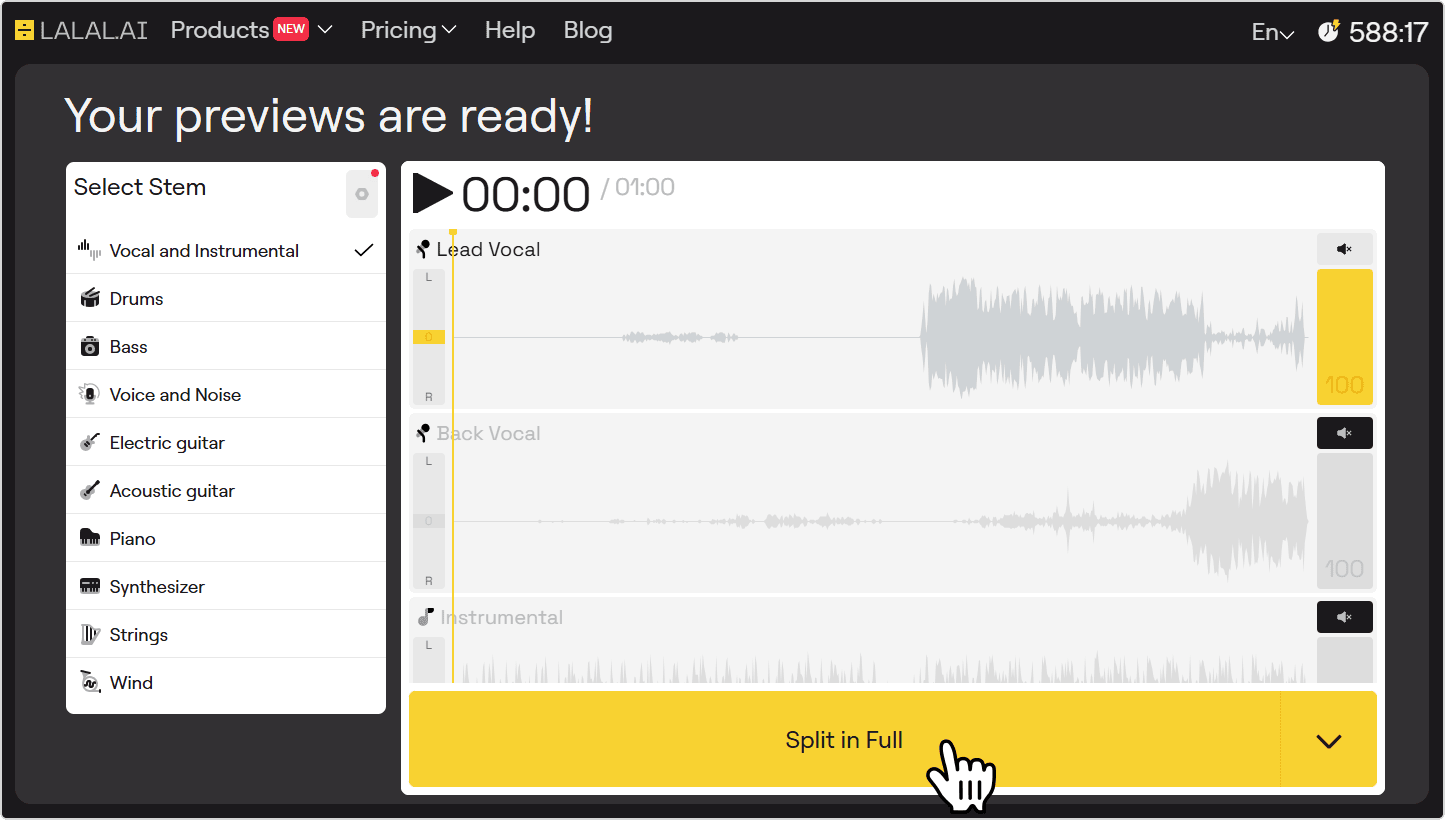
- Listen to the preview. Once uploaded, LALAL.AI processes a short preview automatically, the first 60 seconds of the track. Play back the Lead Vocal stem to check separation quality before committing to the full file.
![Lead Vocal, Back Vocal and Instrumental previews]()
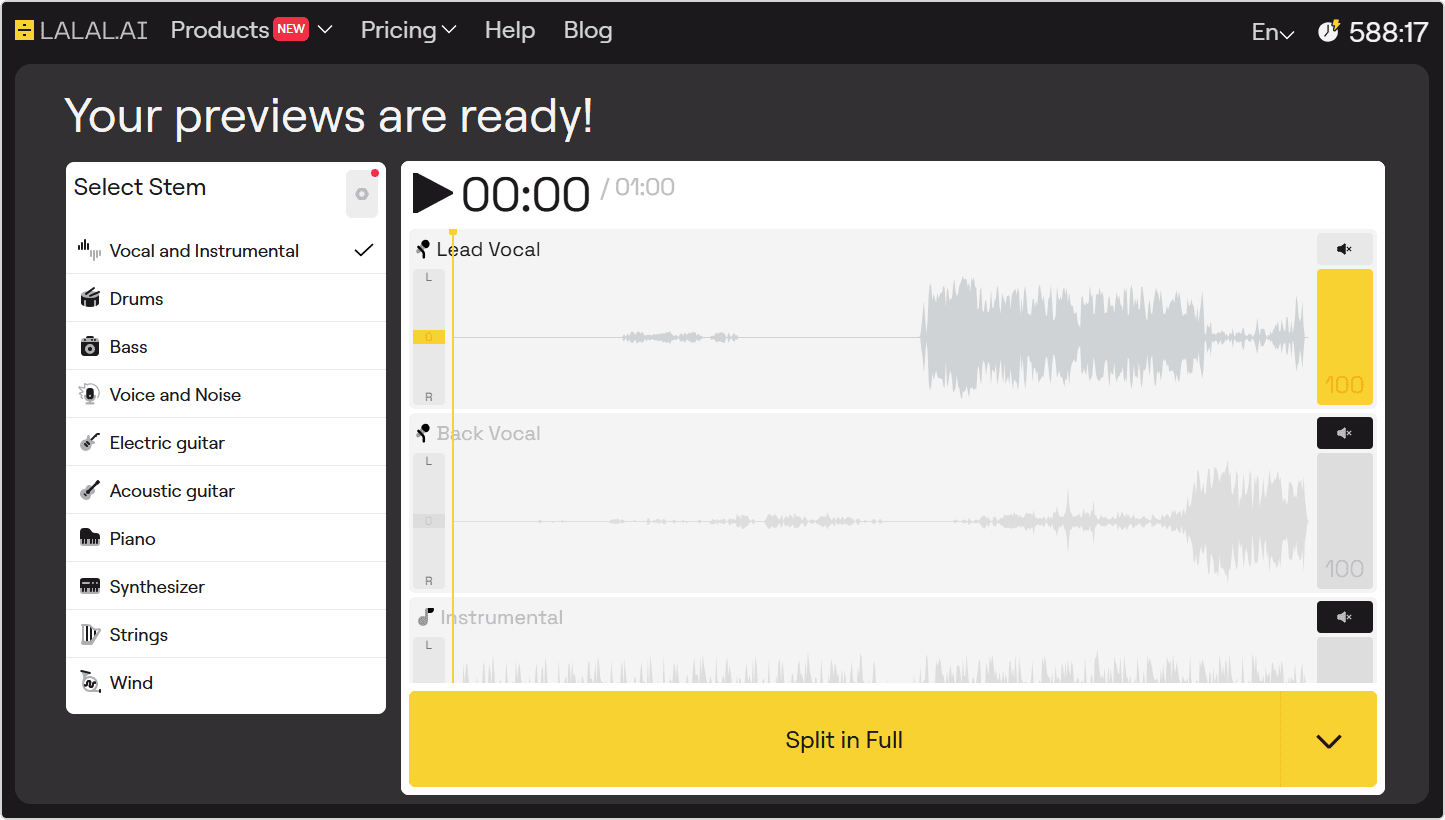
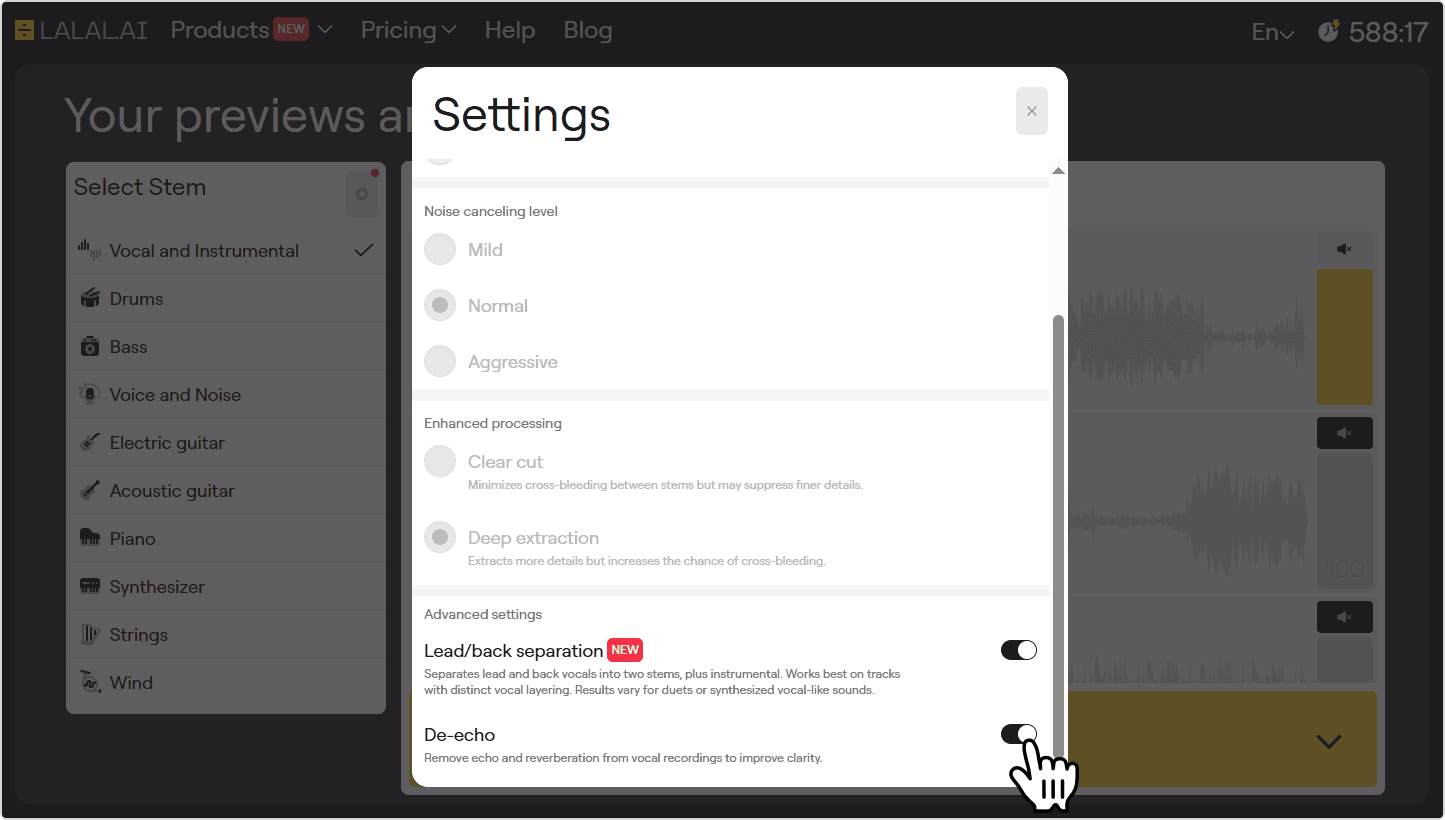
If the preview sounds off, click the settings icon in the top-right corner of the stem selector and try enabling the De-Echo toggle, which removes echo and reverb from the source audio. You can also re-upload a higher-quality version of the file for cleaner results.
- Process the full file. If the preview sounds good, click the Split in Full button to process the complete file.
![Split in Full button]()
- Download the stem. Four stems are available to download once processing finishes: Lead Vocal, Back Vocal, Instrumental, and Back Vocal + Instrumental. Click Download next to the Lead Vocal stem.
![Download button next to the Lead Vocal stem]()
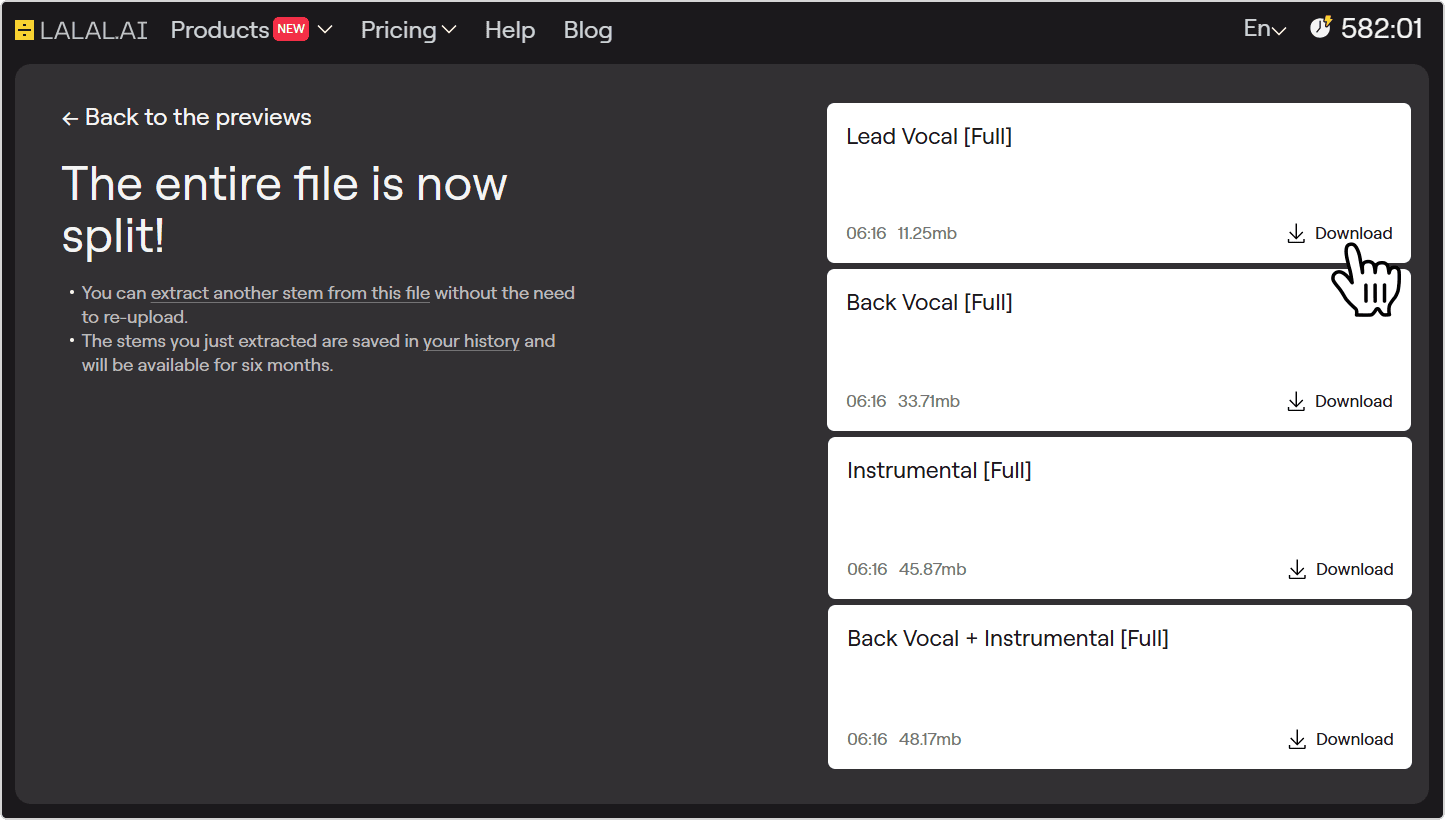
The Back Vocal + Instrumental combined stem only becomes available after the full file is processed, not at the preview stage.
Tips for Getting the Best Results
- Use the highest quality source file you have. Lossless audio (WAV, FLAC, AIFF) produces cleaner stems than MP3 or AAC, where encoding artifacts can make it harder to cleanly distinguish vocal from non-vocal content.
- Preview before processing the full file. The 60-second preview costs nothing and tells you how well the separation will work on that specific track. If the preview is clean, the full split almost always is too.
- Check the preview through headphones at full volume. Bleed that’s easy to miss on laptop speakers becomes obvious on headphones, so you’ll know whether it’s worth re-uploading a better version before committing to the full file.
- Re-upload a higher-quality version if the preview disappoints. A better source file is often all it takes to get a noticeably cleaner separation.
- Watch out for heavy vocal effects. Lots of reverb, pitch-shifted harmonies baked into the lead, or chorus effects on the main vocal all reduce the distinctiveness the AI relies on. If reverb is the issue, try enabling the De-Echo toggle in settings before processing.
- Clean up the stem after processing. Even a well-separated lead vocal can carry faint residue from the mix. Run it through LALAL.AI Voice Cleaner to reduce background noise, or load it into a DAW like Audacity or GarageBand for a light high-pass filter and some de-essing.
자주 묻는 질문
What’s the difference between Lead & Back Vocal Splitter and a standard vocal remover?
A standard vocal remover splits a song into two stems: all vocals combined, and the instrumental. LALAL.AI Lead & Back Vocal Splitter, on the other hand, separates the lead vocal from the backing harmonies, giving you four outputs instead of two: Lead Vocal, Back Vocal, Instrumental, and Back Vocal + Instrumental.
What happens if a song has two lead singers?
Both end up in the Lead Vocal stem. The splitter separates by vocal role in the arrangement, not by individual singer.
What format are the output files?
By default, the output matches the format of the uploaded file. Before clicking Split in Full, you can click the arrow next to the button to choose a different format. Supported output formats are MP3, OGG, AAC, AIFF, WAV, and FLAC.
Can I process video files?
Yes, you can upload and process video files in MP4, MKV, MOV, and AVI. The audio is extracted automatically and processed the same way as any audio upload. Useful for pulling vocals from live performances or music videos.
Why is there some instrumental sound bleeding into the vocal stem?
Some bleed is normal, especially on older recordings or densely layered productions where vocals and instruments share a lot of the same frequency space. A higher-quality source file or light cleanup in a DAW afterward usually sorts it out.
Can I use the extracted stems in my own music or videos?
Splitting a track doesn’t change who owns it. Using stems from a commercially released song in your own work requires a license or permission from the rights holder.
